Adding Custom States via the UI
The Custom States Settings screen shows a list of all custom states that exist in your tenant, and enables you to add or delete custom states. Once a custom state is created in your account, it is available for use by all users accross your entire account.
This screen is accessed by navigating to Settings  > Global Settings > Custom States.
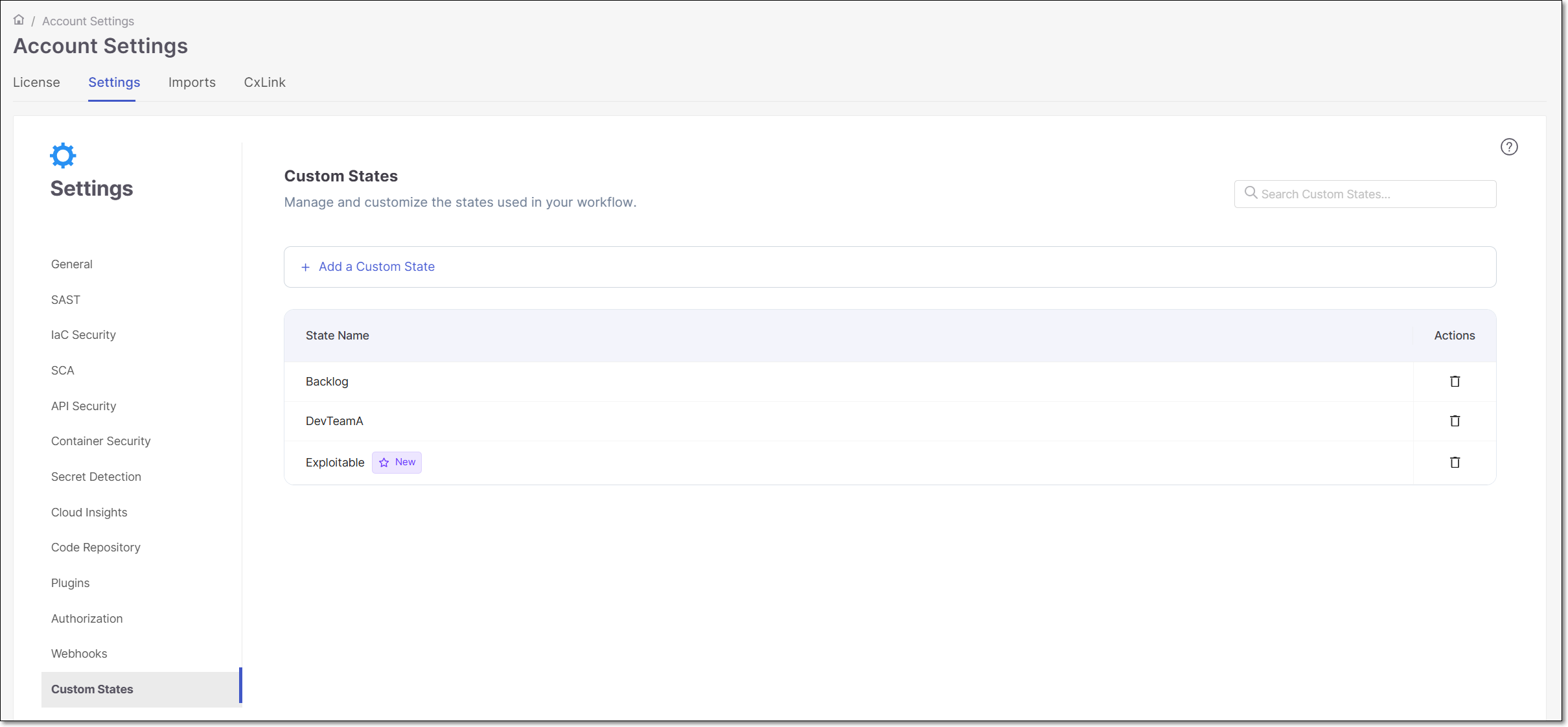 |
To create a new custom state:
Click on the
 link.
link.Name the new custom state, following these rules:
Allowed characters: English letters,
-,_Prohibited characters:
<,>,&Max 200 characters
Must be unique and not a predefined state
No leading/trailing spaces
After entering a name, click Add.
The new custom state is now displayed in the list with a New icon next to the name.